INVENTORY MANAGEMENT



CORE CAPABILITIES

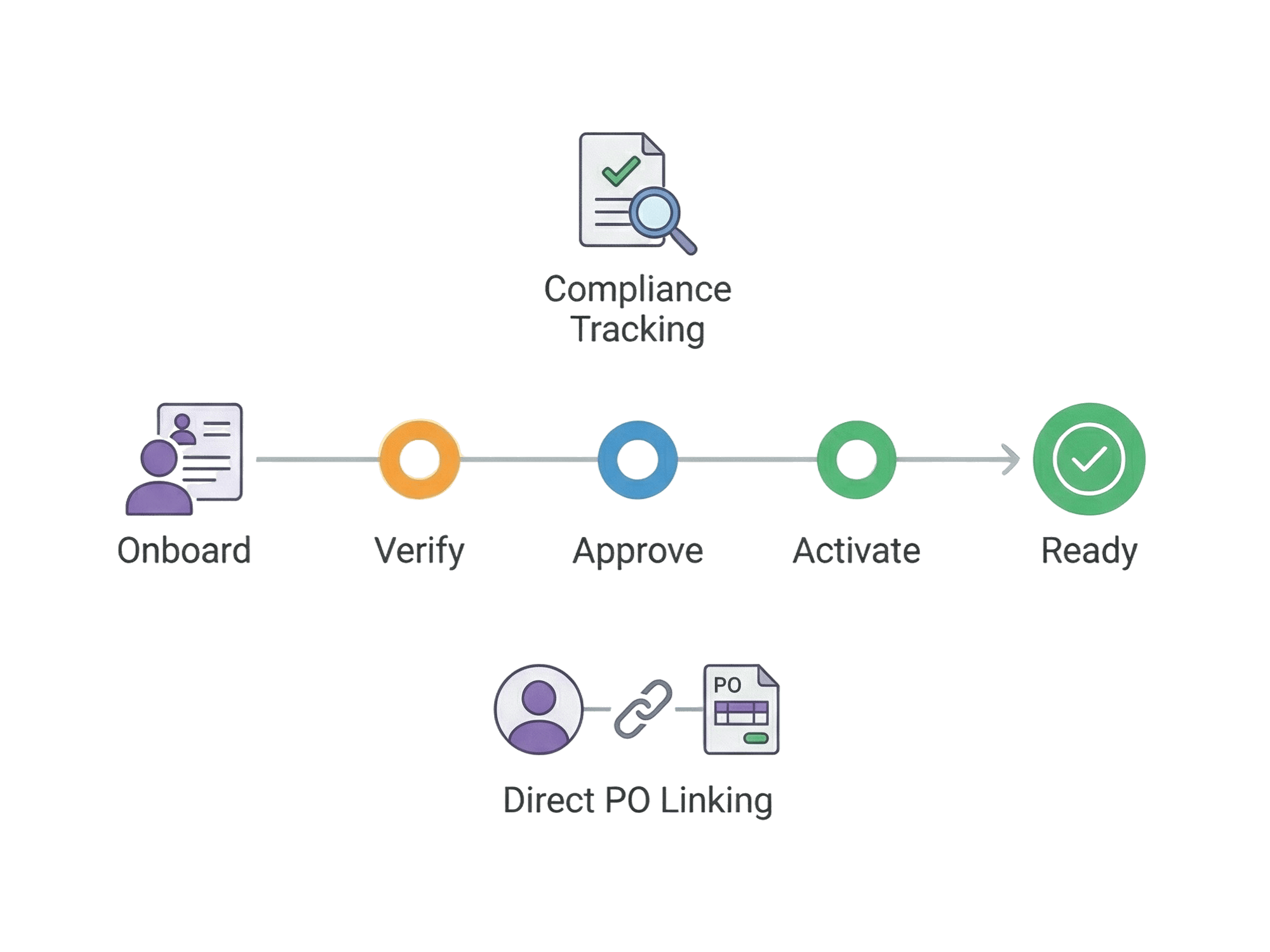
End-to-end supplier onboarding with 5-step workflow. Track compliance documents and link suppliers directly to purchase orders.
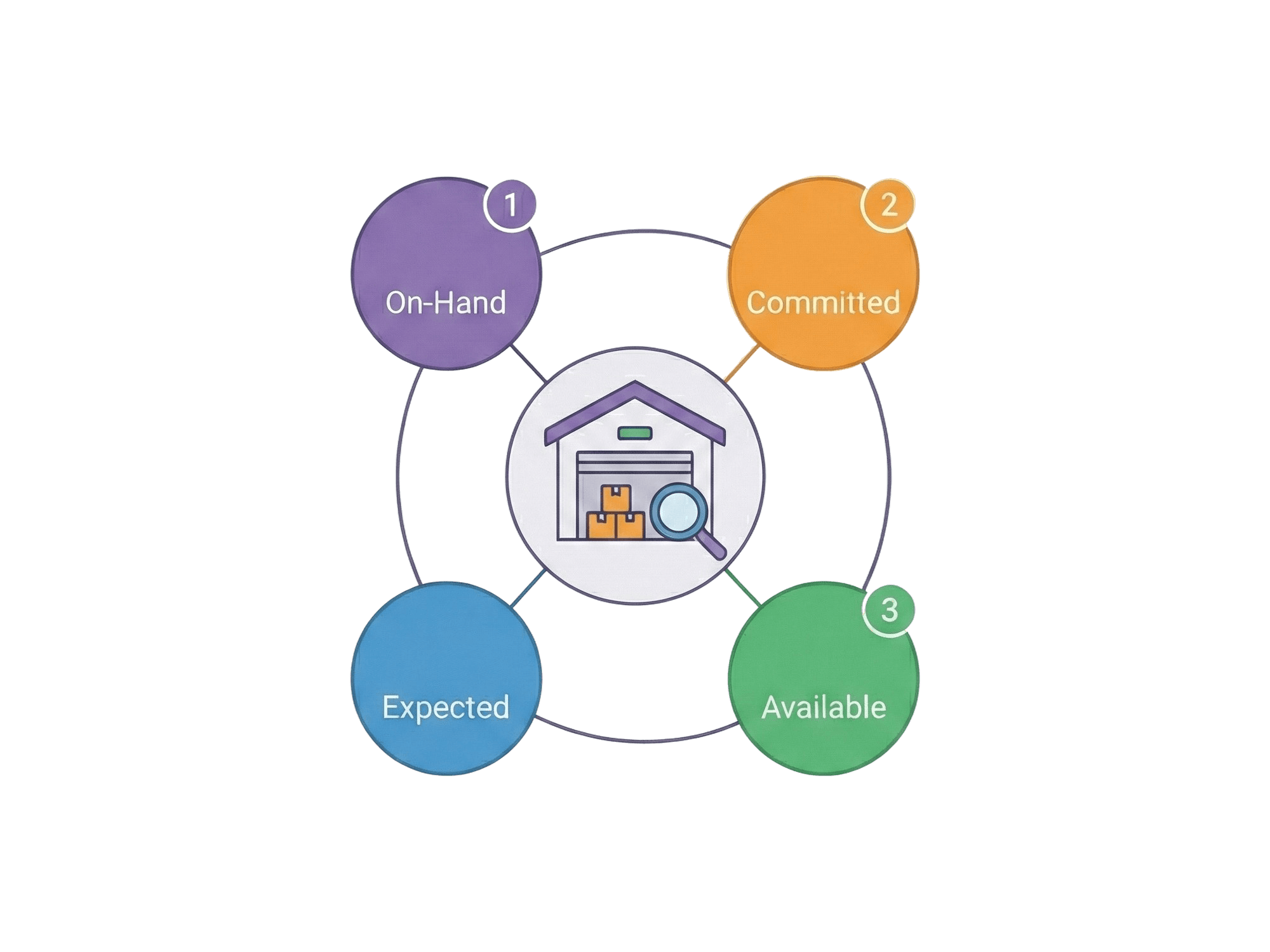
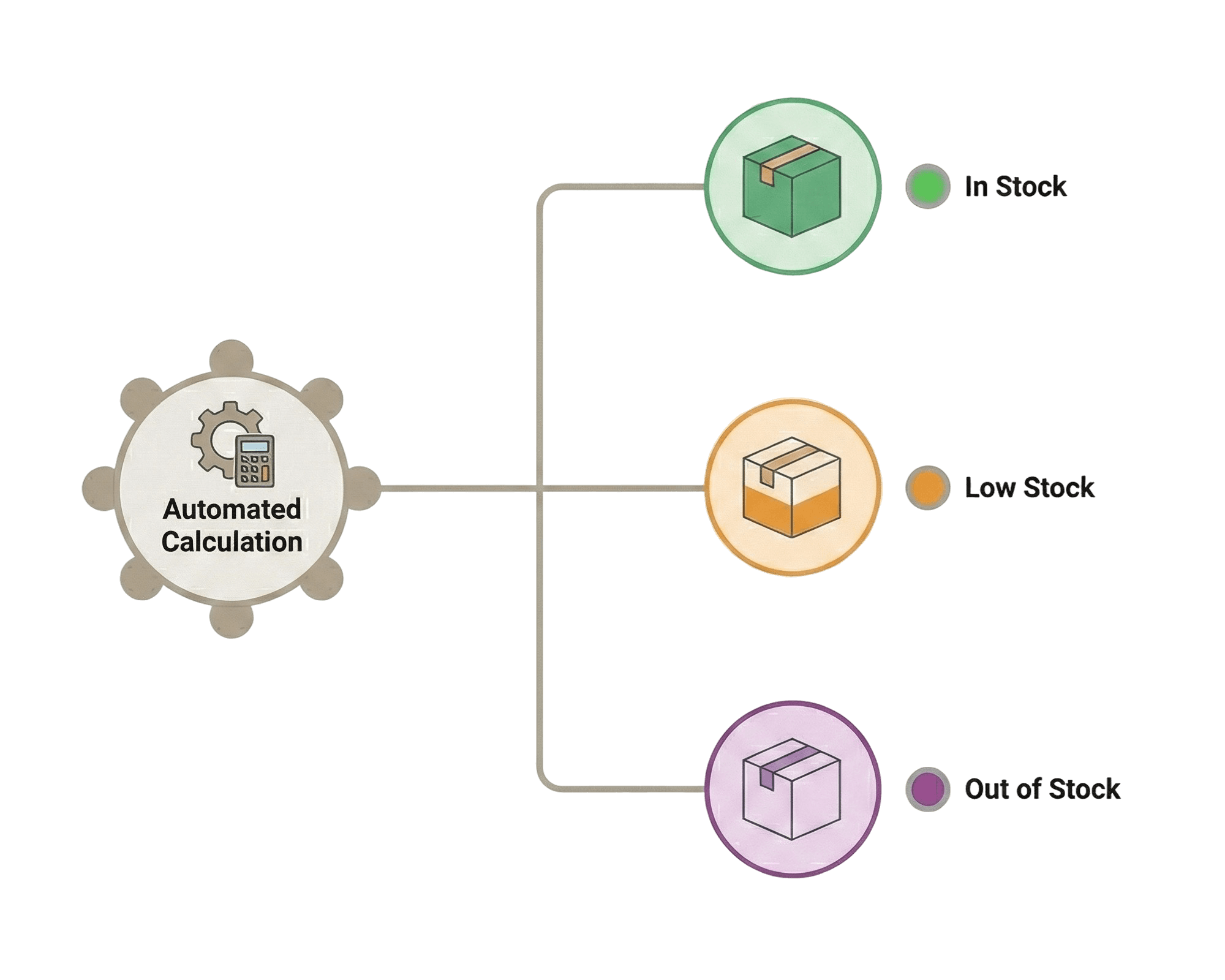
System automatically calculates In Stock, Low Stock, and Out of Stock based on safety stock thresholds. Color-coded for instant visibility.
HOW IT WORKS
PURCHASE ORDERS
MULTI-LOCATION INVENTORY
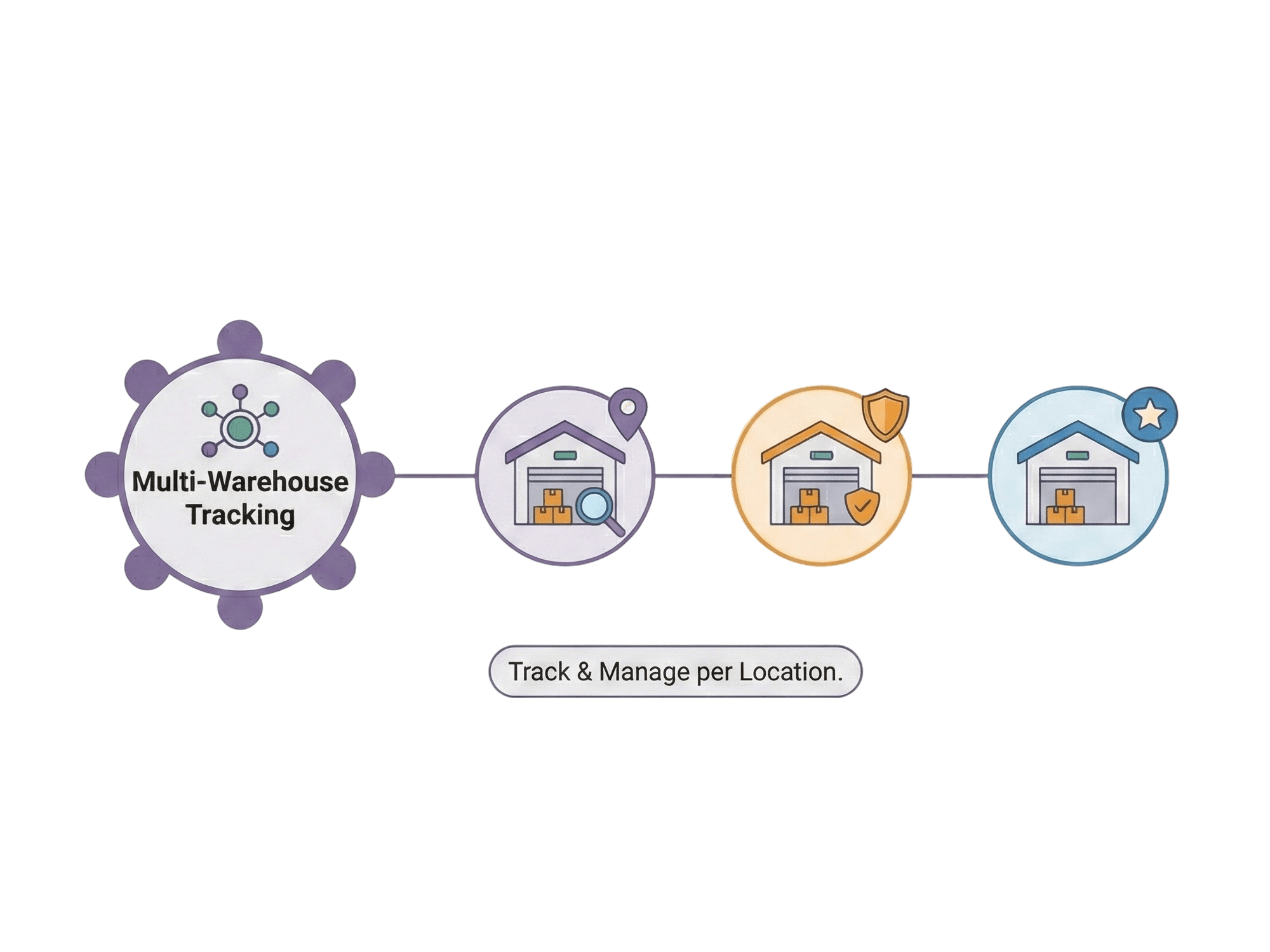
Managing inventory across multiple locations shouldn't require multiple systems. Nova Core tracks stock levels independently for each warehouse while giving you a unified view when you need it.

Separate on-hand and safety stock per location
Location-based filtering in inventory view
Default location designation for status calculations
Multi-country support with currency handling


SUPPLIER MANAGEMENT
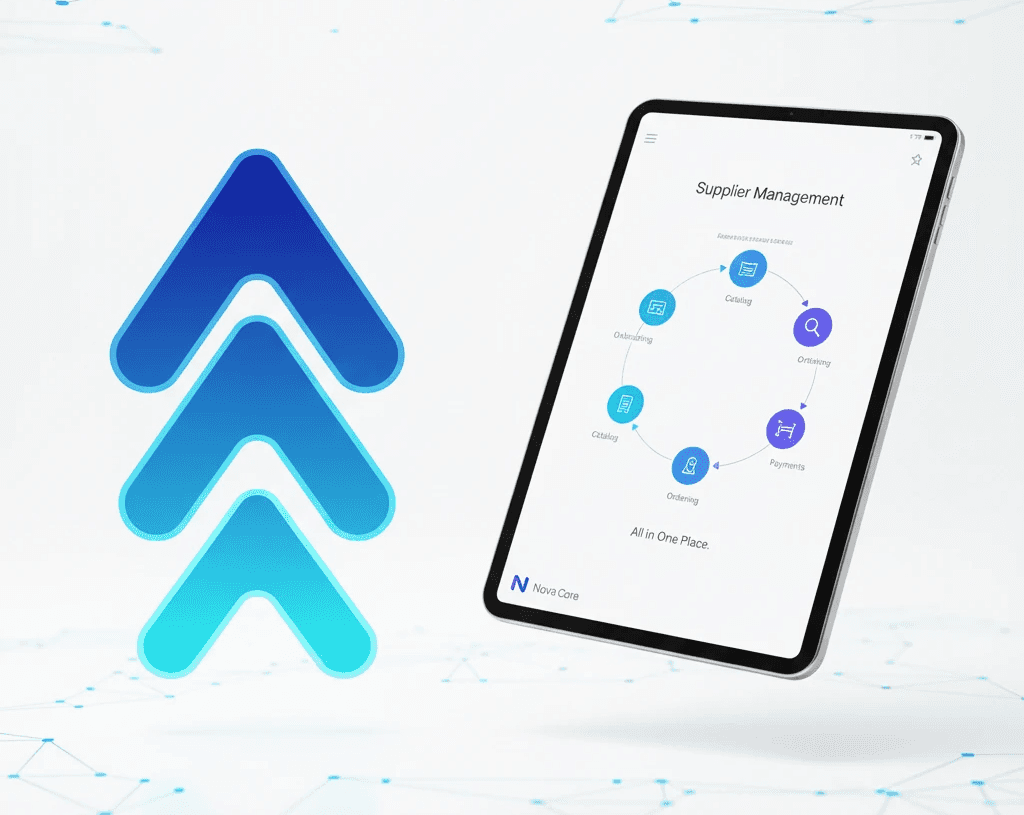
Nova Core includes built-in supplier management—no third-party integration needed. Onboard suppliers, track compliance, and link them directly to purchase orders.
5-Step Supplier Onboarding
Basic Information — Company, contacts, trading details
Financial Info — Payment terms, credit limits, currency
Compliance — Certificates, licenses, regulatory docs
Logistics — Shipping preferences, lead times
Review — Final approval before activation
TRANSFER ORDERS
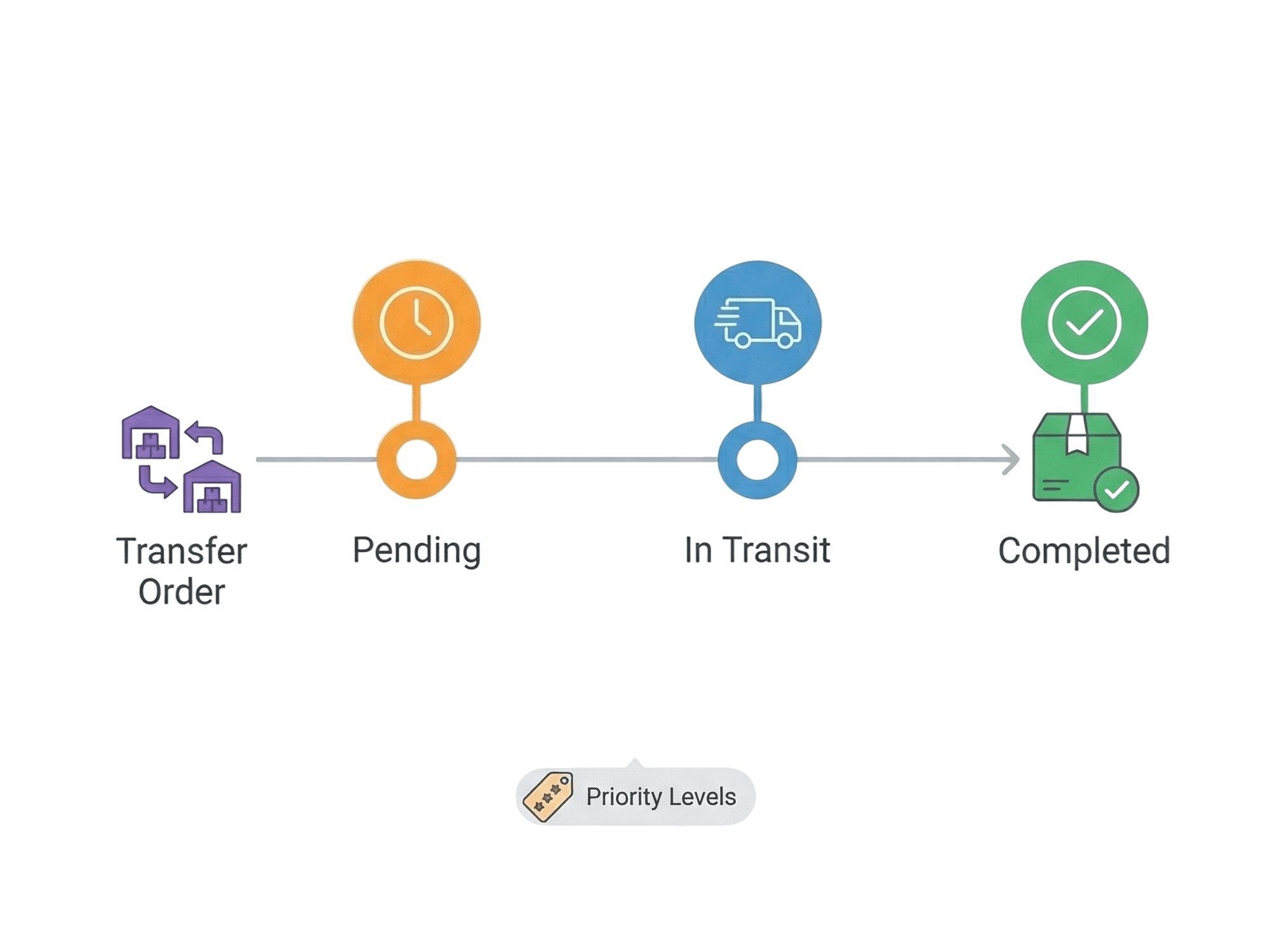
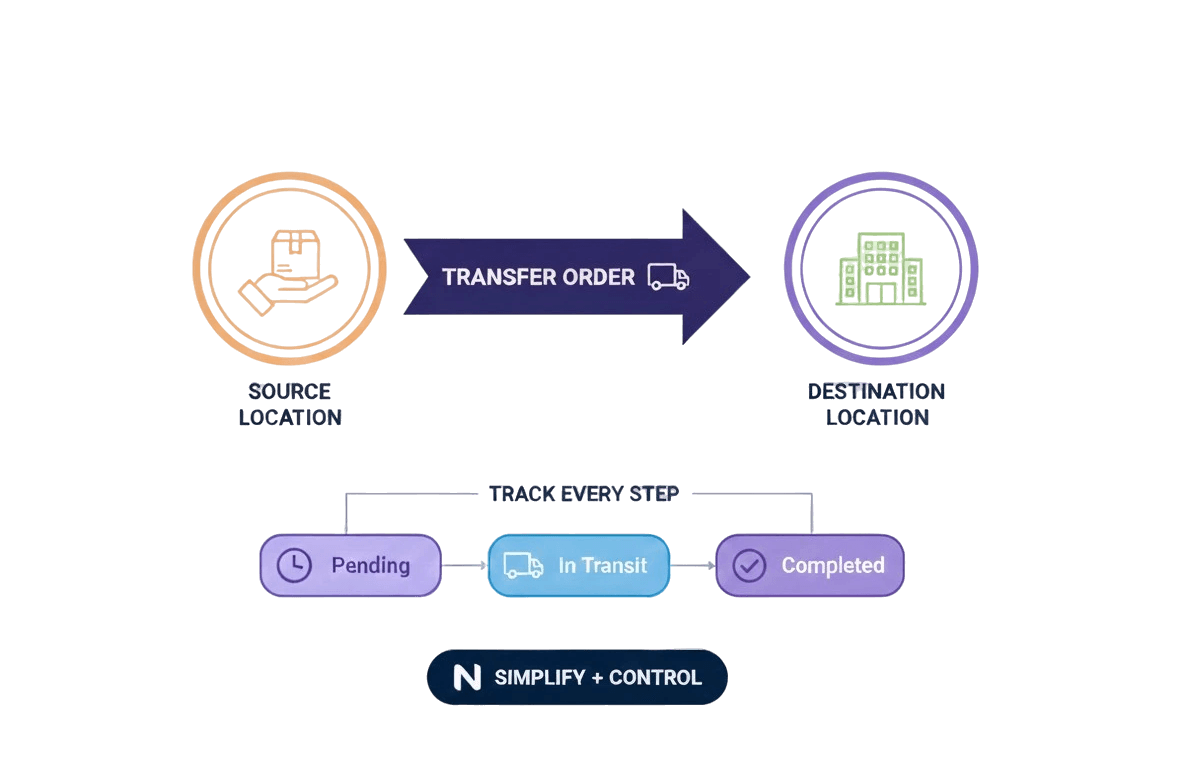
When one warehouse has excess and another needs stock, transfer orders make it simple.
Select source and destination locations
Choose products and quantities to transfer
Set priority levels for urgent transfers
Track: Pending → In Transit → Completed
BENEFITS

No More Stockouts
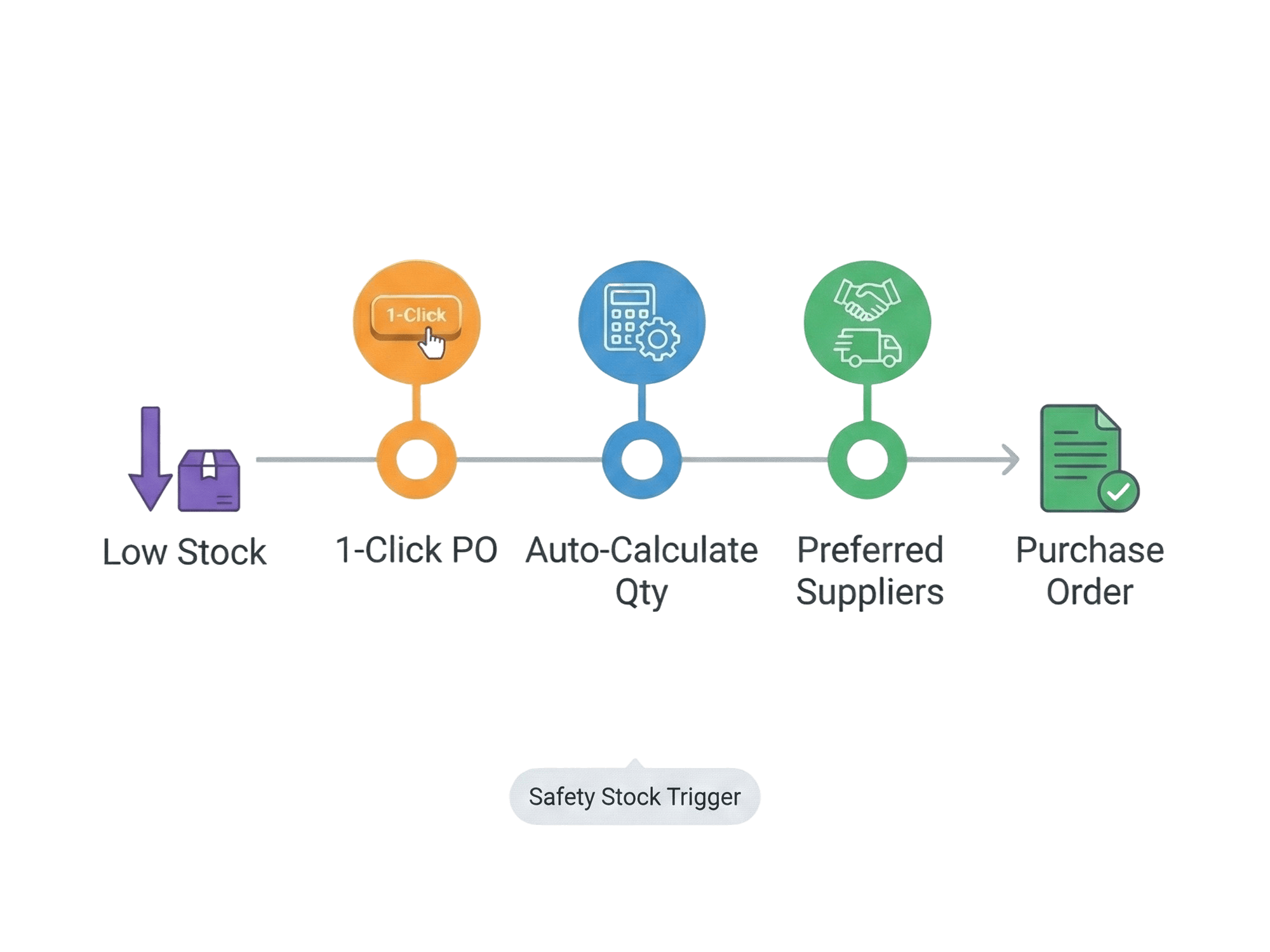
Safety stock thresholds and automated alerts catch low stock before it's too late.
Faster Reorders
1-click purchase orders replace spreadsheet calculations and manual emails.
Multi-Location Clarity
See stock across all warehouses without switching between systems.
Real-Time Accuracy
Stock levels update instantly—no end-of-day syncs or manual reconciliation.
Supplier Visibility
All supplier info in one place, linked directly to purchase orders.
Team Accountability
Permission-based access ensures the right people have the right controls.
FAQ's
How does stock status get calculated?
Can I track inventory across multiple warehouses?
How do purchase orders work?
Can I move inventory between warehouses?
What permissions can I set for team members?
Is there AI in the inventory system?
LEARN MORE




GET STARTED